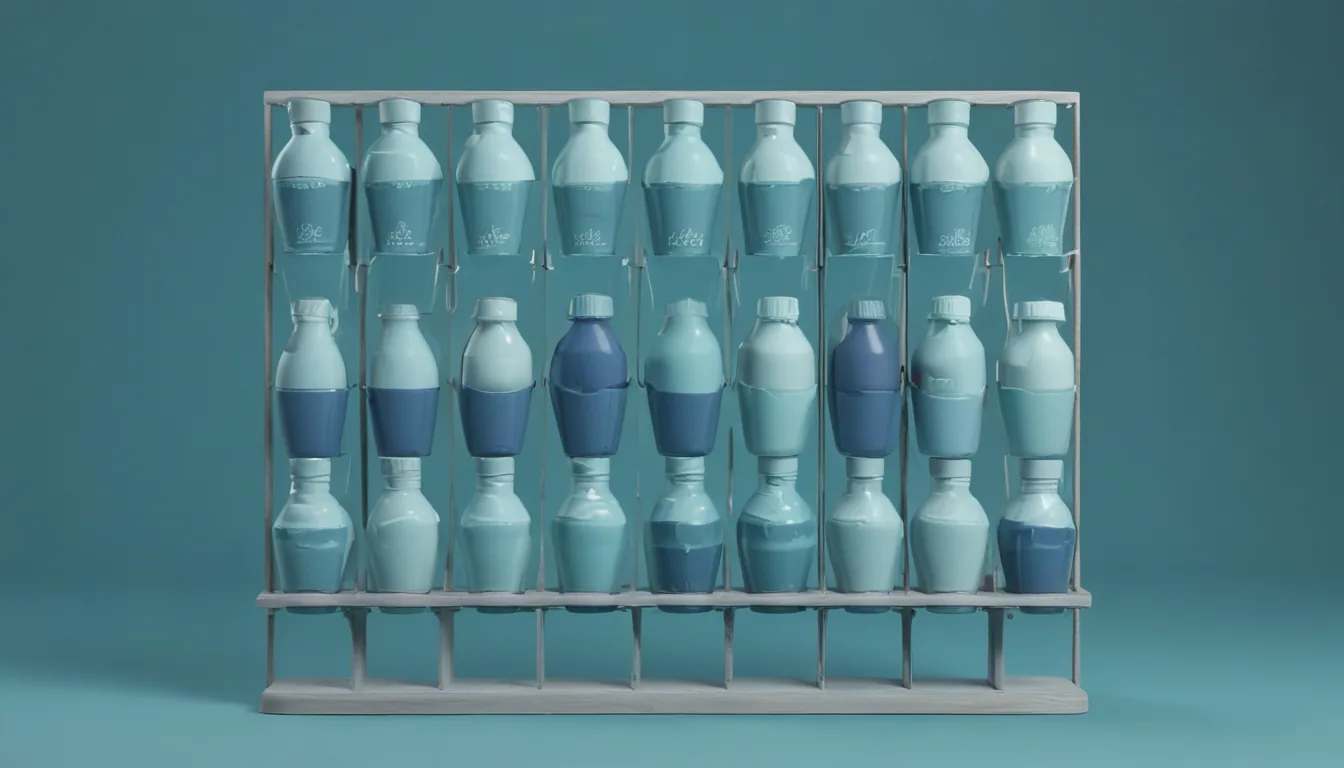
A variant is the same product in a different flavour, size or colour, and it is the most common way a clean-looking catalog turns ugly. A vendor's six flavours across three sizes can land in your system as eighteen separate products, and if you do nothing they flood search results with near-duplicates, split their own stock and reviews, and make a shopper scroll past the same protein eighteen times. Variant handling is the discipline of presenting a family as one product with choices, not as a crowd of clones. Here is how to group them, collapse them in search, and pick which one represents the family — across many vendors who each model variants differently.
What counts as a variant
The first job is recognising a family. A variant family shares a root identity — the same protein, the same shoe — and differs along one or more variant axes: flavour, size, colour, pack count. The signal is usually in the data: a shared root name with differing size or flavour tokens, a shared parent SKU, or an explicit parent-child relationship the source platform already models. WooCommerce and Magento both express variations natively, which helps; feeds often do not, which means detecting the family from the product names and attributes.
Get this recognition wrong in either direction and you have a defect: miss a family and you show eighteen duplicates; over-group and you fuse two genuinely different products into one listing. It is one of the seven recurring feed defects in product data quality, and it deserves a careful detector.
Collapsing variants in search
Once a family is recognised, search should show it once. The technique is to collapse results so that at most one member of a family appears — distinct-on-parent, in effect: group by the family identity and return a single representative. The payoff is immediate on the first page of results, which is the page that decides whether a shopper trusts your search at all.
Before collapsing, a single protein in six flavours and three sizes occupied the entire first page of a search — eighteen near-identical rows for what a shopper reads as one product. It looks broken, buries genuine variety below the fold, and trains people to distrust the search box. Collapsing the family to one representative row turns eighteen duplicates back into one product with a choice, and the rest of the page can show actual alternatives.
Collapsing is a search-time decision, not a data-time one: the eighteen records still exist and remain individually addressable, so a shopper can still deep-link to the exact flavour they want. You are choosing what to show as one result, not merging the underlying products. Variant collapsing is one of several search behaviours that separate a marketplace search box from a database query; the wider set — typo tolerance, synonyms, semantic recall — is covered in marketplace search.
Which variant represents the family
Collapsing raises a question: which member do you show as the representative, and at what price? The answer that respects the shopper is an in-stock preference: represent the family with a variant that is actually buyable, not one that happens to sort first alphabetically and is out of stock. Nothing erodes trust like clicking a result, choosing the flavour you saw, and finding it unavailable.
Prefer an in-stock member for the representative; show a price that reflects a real, purchasable option; and if the whole family is out of stock, let it collapse in ranking rather than headline a page. The representative is a promise that the product behind it can be bought.
There is a display nuance too. When a family spans a wide price range — a small pouch versus a bulk tub — the representative's price sets an expectation, so show it as a "from" price rather than a single number, and make clear that choosing a variant may change it. A shopper who sees one price and is charged another at the next step feels misled even when nothing is actually wrong.
Two variant model families
On the product page itself, variants show up in two structurally different ways, and a multi-vendor catalog will contain both. Distinguishing them matters because they behave differently when a shopper picks an option.
| Sibling products | Embedded options | |
|---|---|---|
| Structure | Each variant is its own product record, linked as siblings | One product record with an options selector inside it |
| Choosing an option | Navigates to the sibling's own page | Updates price and availability in place |
| Own URL / reviews | Each variant has its own | Shared across the family |
| Common in | Feeds and some stores that flatten variations | Native WooCommerce/Magento configurable products |
The discriminator is simple in practice: does the family list contain the page's own product as a member? If so, the options are siblings you navigate between; if not, they are embedded choices you switch in place. Handle both, because your vendors will hand you both, and a page that assumes one model breaks silently on the other — showing a dead selector, or navigating when it should have swapped.
Pitfalls worth naming
A few failure modes recur:
- The page-one duplicate flood — the eighteen-near-duplicates problem, from failing to collapse. The most visible and the most damaging to trust.
- Over-grouping — fusing two different products because their names looked similar, so a shopper picks "large" and gets a different item.
- Dead representatives — collapsing to an out-of-stock member, so every click leads to an unavailable product.
- Split signal — leaving a family ungrouped so its stock, reviews and ranking are scattered across eighteen weak records instead of one strong one.
- Model mismatch — assuming every vendor models variants the same way, so the page misbehaves on the model it did not expect.
Each traces back to the same root: recognise the family correctly, then decide deliberately what to show. Get grouping right and variants become a feature — a tidy product with real choices; get it wrong and they become the reason your catalog looks like a spreadsheet. It sits directly upstream of a browsable taxonomy, because you cannot classify a family cleanly until you have recognised it as one.
Key takeaways
- Recognise the family first — a shared root identity differing along a flavour, size or colour axis — before doing anything else.
- Collapse variants in search to one representative; eighteen near-duplicates on page one is the fastest way to make search look broken.
- Represent the family with an in-stock, purchasable member — a dead representative turns every click into a disappointment.
- Handle both variant models: sibling products you navigate between, and embedded options you switch in place; vendors will hand you both.
- The discriminator is whether the family list includes the current product — that one check tells you which model you are on.
Frequently asked questions
What is a product variant in ecommerce?
How do you stop variants from flooding search results?
Which variant should represent a collapsed family?
What are the two ways product variants are modelled?
One product, real choices — not eighteen clones.
Our managed marketplace groups and collapses variants across every vendor, so search and product pages stay clean no matter how vendors model them.
Request early access See the live marketplace →